Easily use your custom Scenario Editor blueprints in regular Car Park Capital gameplay without mods!
Car Park Capital: How to Use Custom Blueprints
Create and Save Your Blueprint
First, open the Scenario Editor:
- Go to New Game > Custom Scenarios.
- Click Create Custom Scenario.
- Select Start Scenario Editor (you must enter a scenario name when prompted).
- Build your desired building, office complex, or structure.
To save a building as a blueprint:
- Open Blueprints > Create.
- Select your structure, give it a clear file name, and save it. (Don’t forget to name your file!)
Pro Tip: Use clear file names (e.g. MyBuilding.cpbp) so you don’t lose track when creating multiple blueprints.
Important: How to Save Your Scenario to Keep Working Later Saving a scenario and saving a blueprint are two different functions! To keep working on your builds later, you must save the scenario itself:
- In the Scenario Editor, click Save > Save and to Menu.
To reload and add more builds later without starting a new scenario every time:
- Go to New Game > Custom Scenarios > Select Save > Open in Editor.
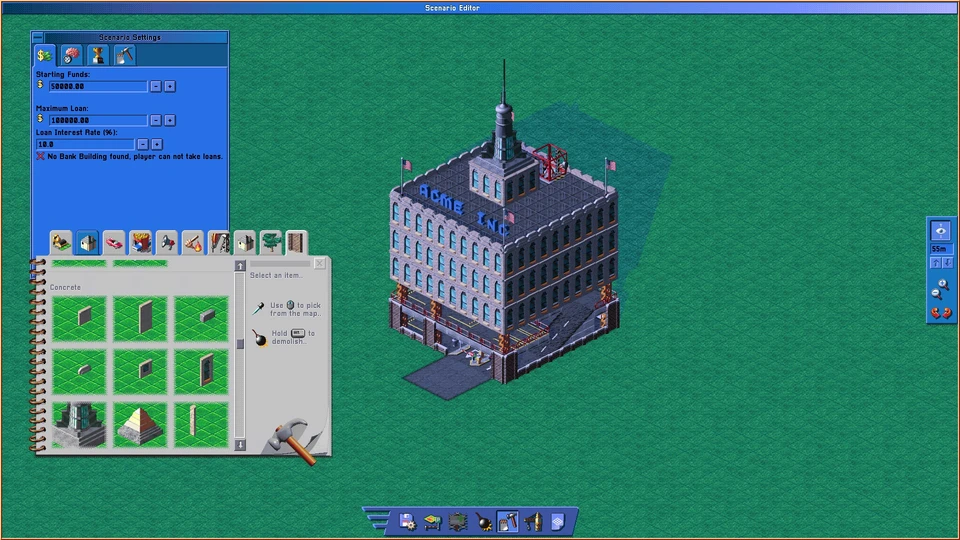
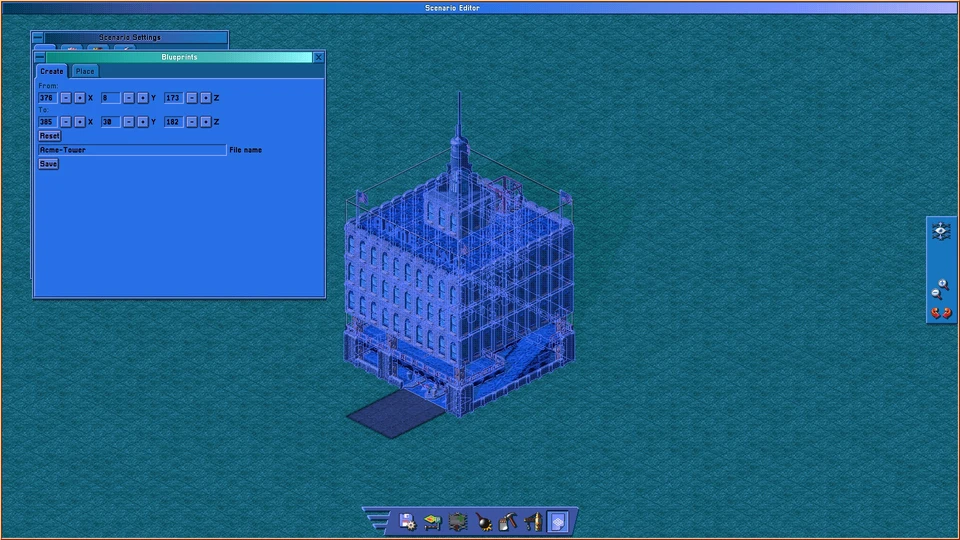
Locate Your Saved Blueprints
Open the installation directory of Car Park Capital (easiest via Steam):
- Open your Steam Library and right-click Car Park Capital.
- Select Manage > Browse local files.
- Open the following folder: Car Park Capital\saves\blueprints
Here you will find your created blueprint files ending in .cpbp (for example: MyBuilding.cpbp).
Move Blueprints to Normal Game Folders
Go back to the main installation folder and navigate to the assets folder: Car Park Capital\assets\blueprints
Inside, you will see four subfolders:
- small_parking_garages
- medium_parking_garages
- large_parking_garages
- scenario_editor (Used only by the editor — skip this one and do not copy files here)
Copy your .cpbp files from saves\blueprints into whichever size folder fits your build best.
Example Path: Car Park Capital\assets\blueprints\large_parking_garages\MyBuilding.cpbp
- Note: You can choose whichever category you prefer, but sorting blueprints by size makes them easier to find later.
- Crucial Rule: Only COPY the files, do not move them! This keeps your original blueprints safe in your save folder.
Place Your Blueprint In-Game
- Restart Car Park Capital.
- Load your main game save.
- Open Blueprints > Place.
- Select the category folder where you copied your file.
- Choose your custom blueprint and place it anywhere in your city!
You can now use your self-created structures in normal gameplay!
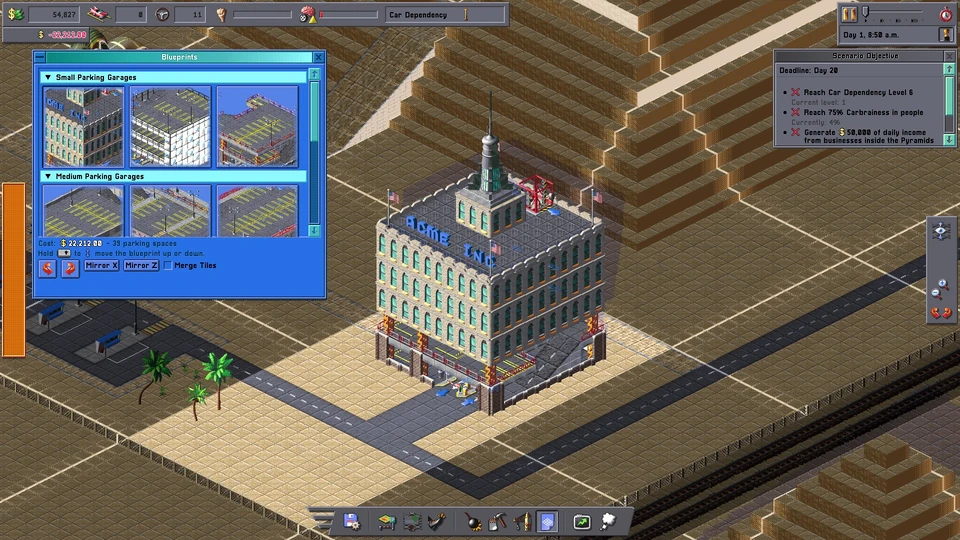
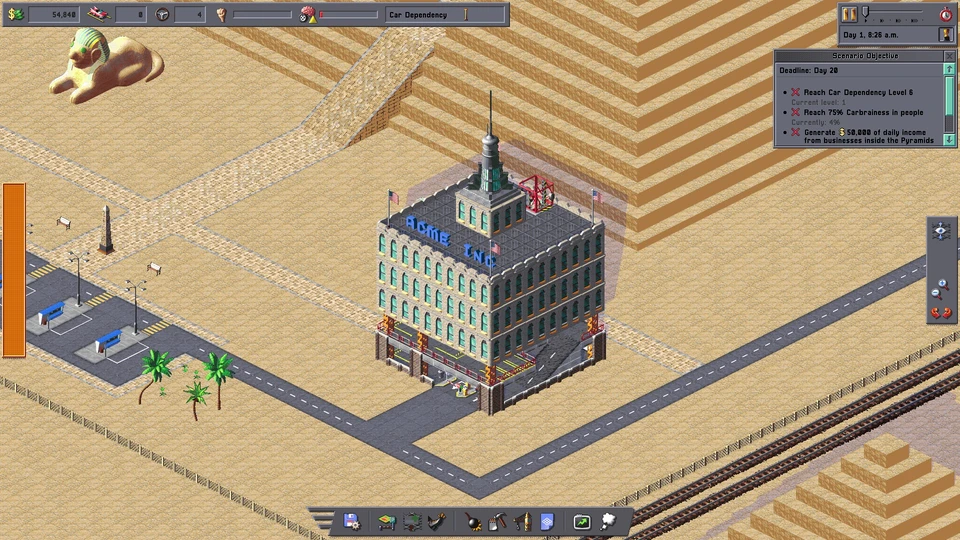
Important Notes
- Do I need mods or third-party programs?
No. You only need to copy your .cpbp files into the existing game folder. - Do I have to create a new scenario every time?
No. You can reopen your saved scenario at any time under Custom Scenarios to build and save additional blueprints. - Can I create new custom category folders?
No, the game won’t recognize them. Always use one of the three existing size folders (small, medium, or large). - Will game updates affect my custom blueprints?
Game updates or verifying file integrity may overwrite files in theassetsfolder. Always keep a backup copy of your .cpbp files. - Do custom objects work properly in-game?
Yes! Functional items (like desks) work as intended and affect local parking demand as usual.